As it turns out, I already have two Virtual machines running on one of the cluster nodes. I set these up before the cluster creation. The VMs are currently not cluster roles/resources. I will go ahead and make one of the VMs (WK7) a cluster role by adding it to the cluster.
PS C:\> Get-VM -ComputerName hyperv03 (This cmdlet displays a list of VMs on the Hyperv03 node)
Name State CPUUsage(%) MemoryAssigned(M) Uptime Status
—- —– ———– —————– —— ——
DBS01 Running 0 2000 4.22:42:56 Operating normally
WK7 Running 1 2000 4.22:40:55 Operating normally
The next cmdlet adds the WK7 Virtual machine to the cluster.
PS C:\> Add-VMToCluster -Cluster cluster00 -VMName wk7 -Verbose
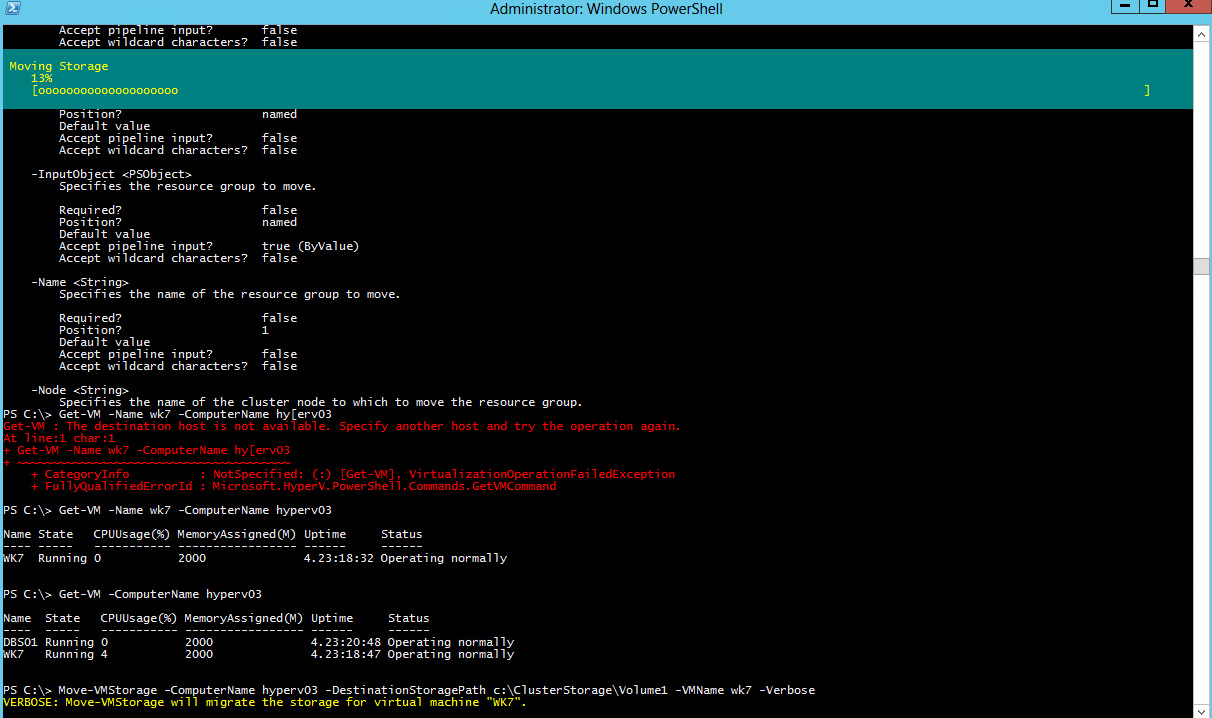
Now, though the WK7 VM has been added as a cluster role, it is still not highly available because it’s storage still sits outside the cluster volume. I will go ahead and move the VM Storage and configuration files to the cluster volume:
PS C:\> Move-VMStorage -ComputerName hyperv03 -DestinationStoragePath c:\ClusterStorage\Volume1 -VMName wk7 -Verbose
VERBOSE: Move-VMStorage will migrate the storage for virtual machine “WK7”.
In the next step, we will create a new Virtual machine role and setup a Hyper-v Replica Broker to enable us replicate a VM to a machine outside the cluster.
 Chinny Chukwudozie, Ai architecture.