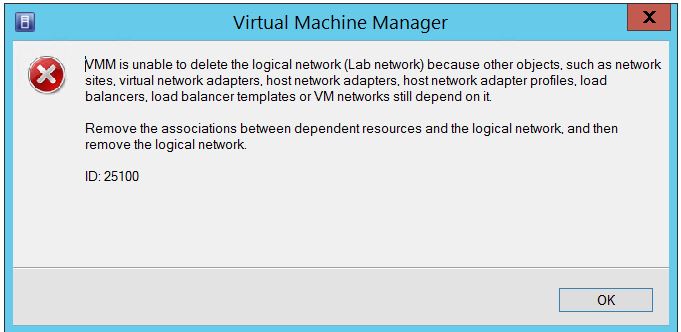
Attempting to delete a SCVMM 2012R2 logical network throws an exception as shown in the screen shot below because there are other dependencies like the Port Profiles, logical switches and other network objects still depending on it.
The “View Dependent Resources” page displays the current Logical network definition dependencies preventing the Logical network from being removed.

We can remove the network definitions with PowerShell after which we delete the logical network.

Get-SCLogicalNetworkDefinition -LogicalNetwork "Test Logical Network" | Remove-SCLogicalNetworkDefinition -Verbose
The PowerShell script gets the specified Logical network definition for the specified LogicalNetwork parameter and pipes the result to the Remove-SCLogicalNetworkDefinition
In the next script, we use the Get-SCLogicalNetwork to retrieve the specified Logical network and pipe the result to the Remove-SCLogicalNetwork
Get-SCLogicalNetwork -Name "Test Logical Network" | Remove-SCLogicalNetwork -Verbose

Running the Get-SCLogicalNetwork -Name "Test Logical Network" doesn’t return any value. This confirms the removal was successful.
 Chinny Chukwudozie, Ai architecture.