The Apache Spark Azure SQL Connector is a huge upgrade to the built-in JDBC Spark connector. It is more than 15x faster than generic JDBC connector for writing to SQL Server. In this short post, I articulate the steps required to build a JAR file from the Apache Spark connector for Azure SQL that can be installed in a Spark cluster and used to read and write Spark Dataframes to and from source and sink platforms.
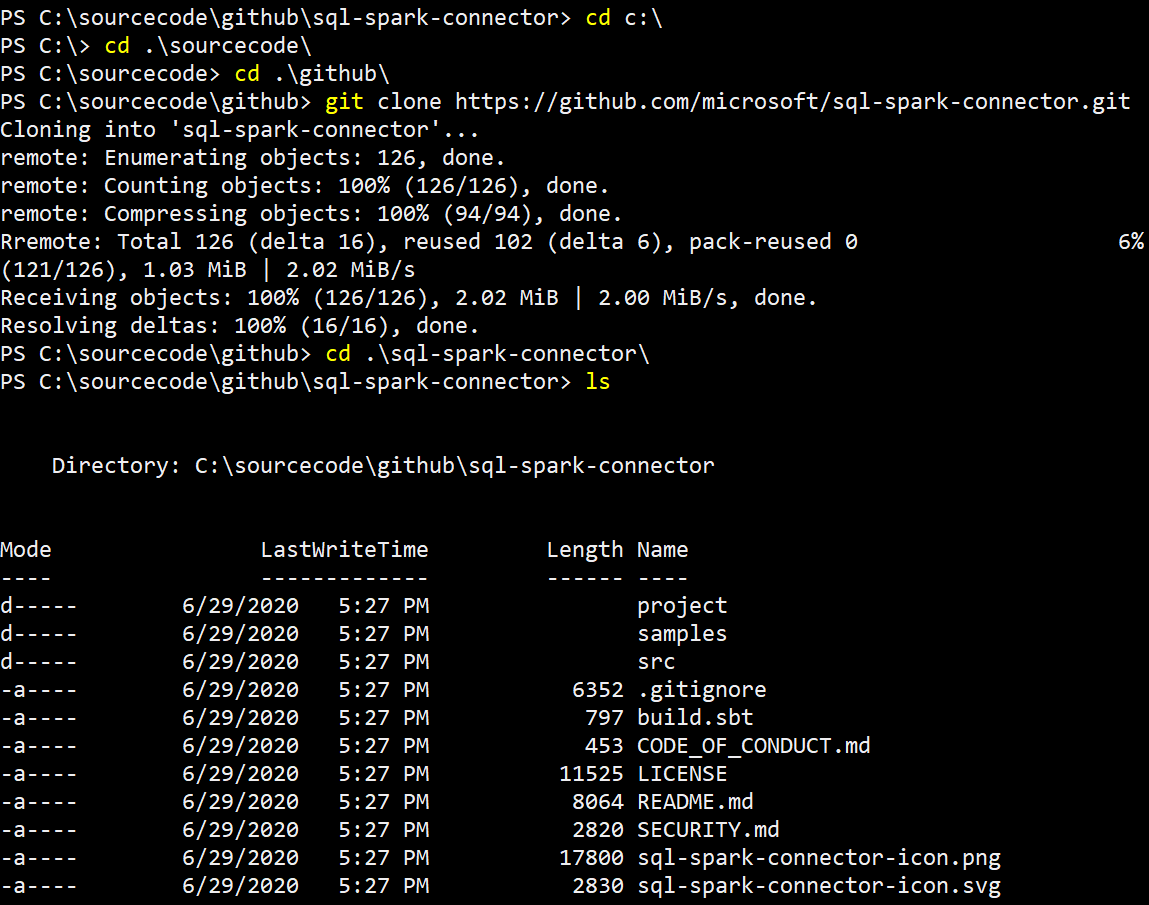
1. Clone the microsoft/sql-spark-connector GitHub repository.
2. Download the SBT Scala Build Tool.
Download SBT here.
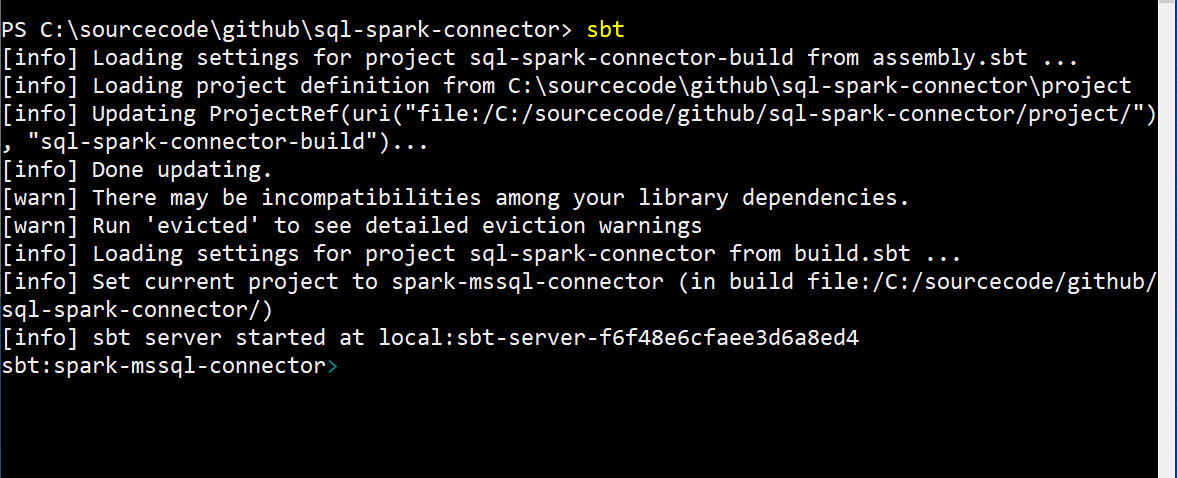
3. Open a shell console, navigate to root folder of the cloned repository and start the sbt shell as shown in the following screen shot:
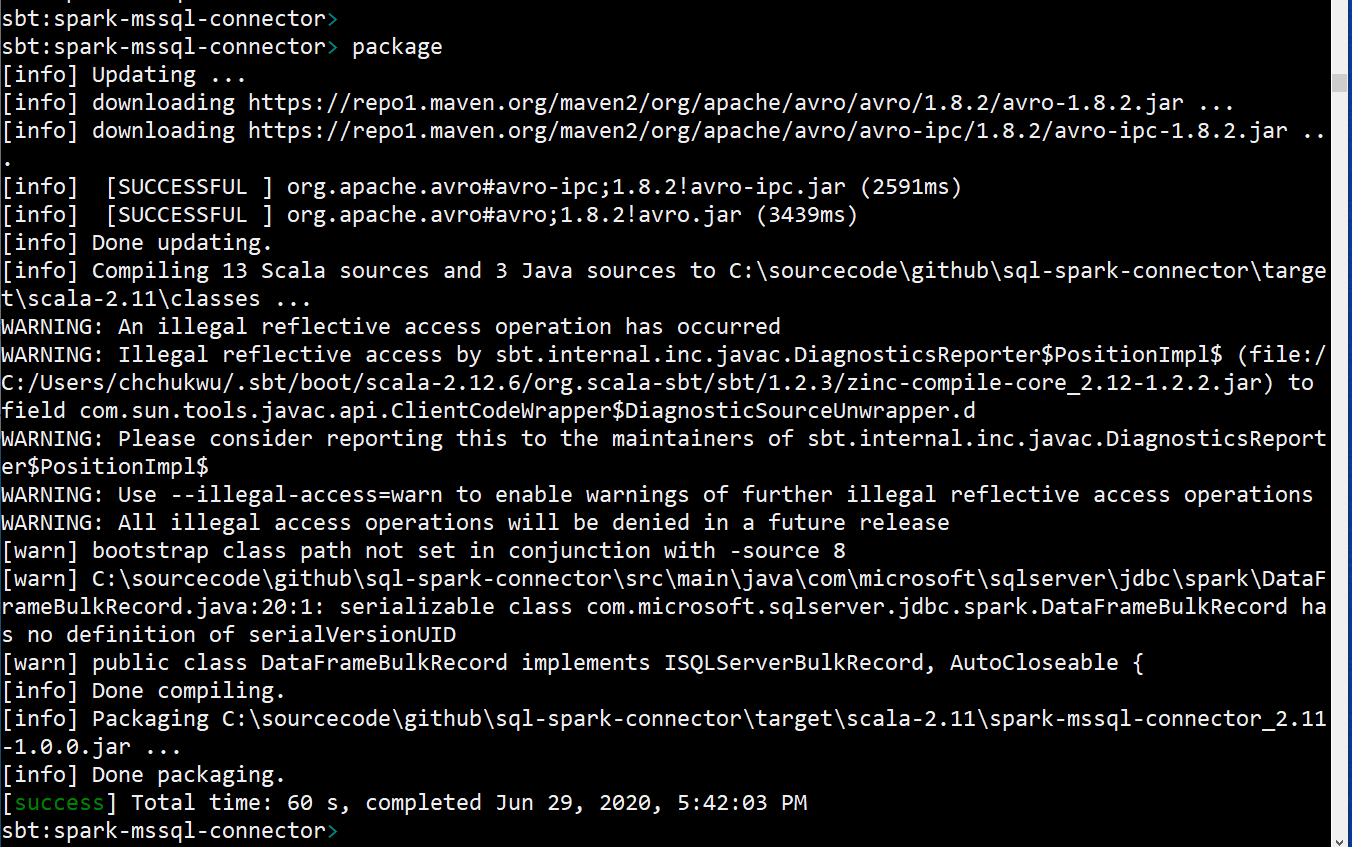
4. Build the code files into the jar package using the following command:
sbt:spark-mssql-connector> package
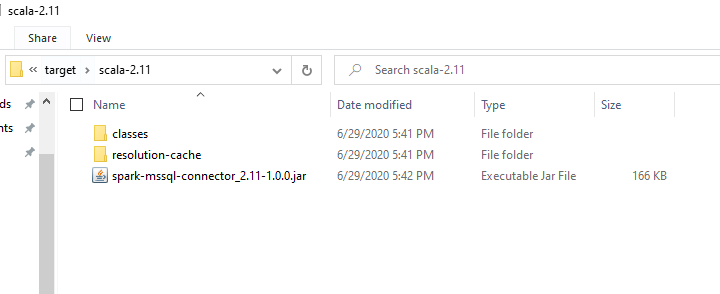
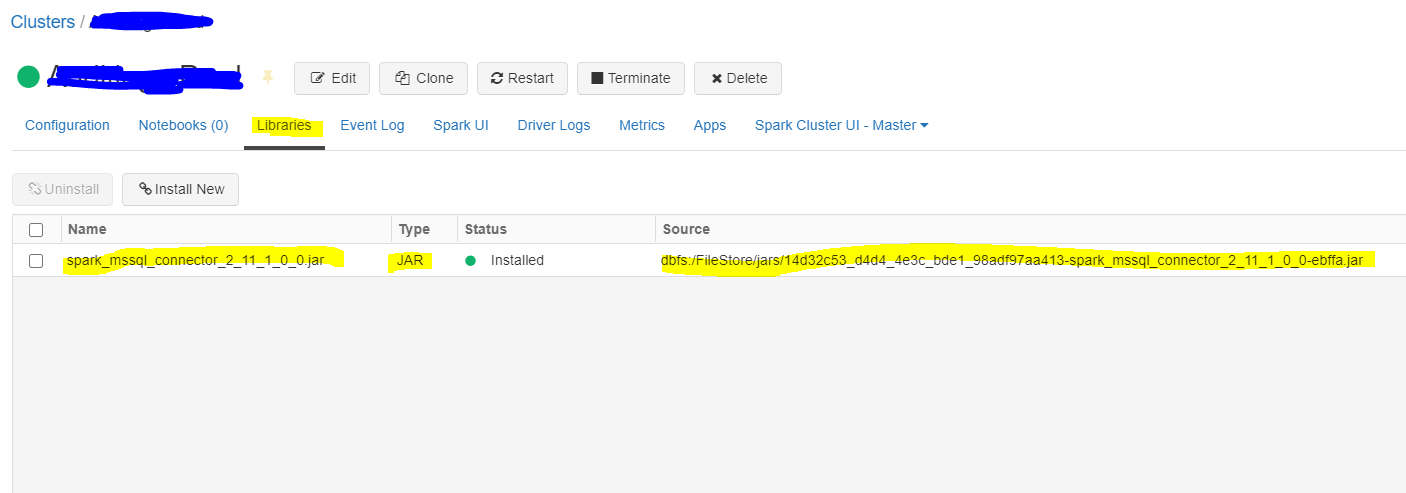
5. Navigate to the “target” subfolder to locate the built jar file. Using the Azure Databricks Cluster Library GUI, upload the jar file as a spark library.
 Chinny Chukwudozie, Ai architecture.
5 responses to “Build a Jar file for the Apache Spark SQL and Azure SQL Server Connector Using SBT.”
Thanks a million!! I’m new to all this and do not have a java/scala background, so none of this is second nature. Not sure why MSFT can’t provide the complied *.jar file. Making us jump through some hoops here…..
You’re welcome dude. I’m glad the post was helpful 🙂
What do you mean by “shell console”? Windows power shell or comand prompt? Because your screenshot don’t look like Windows Power Shell.
And can use just upload the built jar file here? Because it may be impossible for me to install the SBT.
By shell console, I meant Powershell. It’s a Powershell console. I hope this helps you. And thank you for commenting on the post.
Thanks for the blogs very useful.Im new to this and trying to use Apache Spark Sql connector and have a question here, to use the jar file in my project should the jar file be built using SBT or can i download it from GIT/Maven repo. Please advise